Best Dock For Steam Deck Top Docking Stations Compared
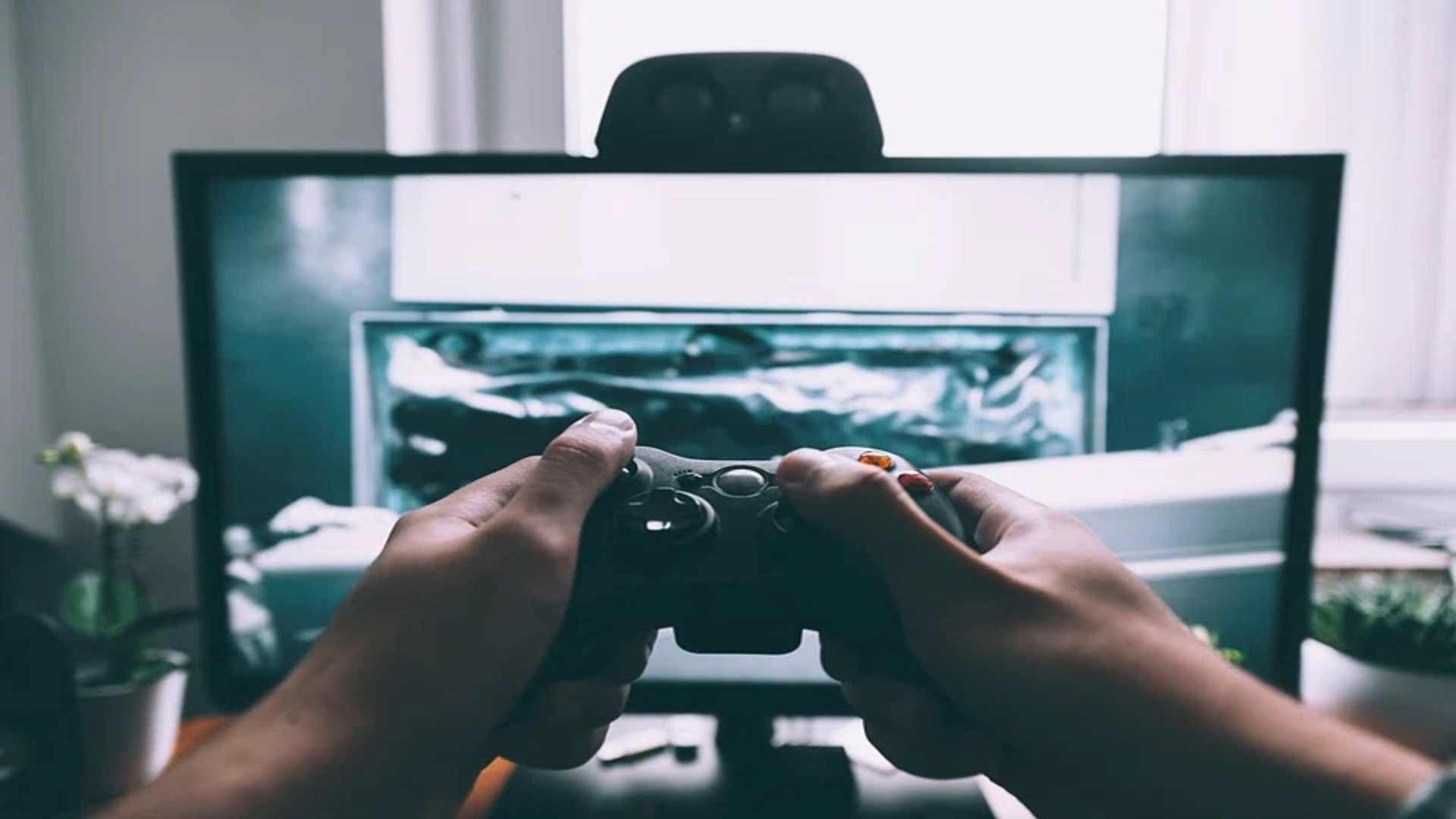
The Steam Deck has fundamentally transformed the handheld gaming landscape by allowing players to take their favorite PC libraries anywhere. However, unlocking the full potential of this portable powerhouse often means connecting it to a larger television or a desktop monitor. Choosing the right docking station can elevate your gaming experience by providing seamless connectivity, stable internet, and plenty of extra ports for your favorite peripherals.
The Gold Standard of Official Hardware
Valve offers its own proprietary docking station designed to fit the handheld precisely without obstructing the cooling vents. This official option features a robust display setup including both DisplayPort and HDMI outputs for flexible monitor configurations. It also provides reliable power delivery to keep the device fully charged during intense, long-lasting gaming sessions.
While the official model offers unparalleled compatibility out of the box, it often carries a higher price tag than alternative accessories. Many gamers find that the peace of mind regarding ongoing software updates justifies the premium investment. It remains a top recommendation for users who want a plug-and-play solution without searching for extra cables.
Affordable Third Party Alternatives
For budget-conscious players, several third-party manufacturers offer feature-packed alternatives that compete directly with official hardware. Brands like Jaux and Anker provide multi-port solutions that include multiple USB-A slots alongside gigabit Ethernet connectivity. These docks allow you to connect wired controllers, external keyboards, and storage drives without experiencing input latency.
Many of these sleek third-party docks utilize high-quality aluminum frames that look great on any entertainment center or office desk. They provide identical video output capabilities, frequently supporting clear 4K resolution at smooth refresh rates on modern displays. Finding an affordable alternative allows players to allocate more of their gaming budget toward building a larger library of titles.
Key Features to Consider Before Buying
When comparing different docking setups, checking the total wattage of the power delivery system is absolutely essential for long-term performance. A dock needs sufficient throughput to power both the handheld itself and any connected accessories like keyboards or mice. Insufficient power can lead to slow charging speeds or unexpected disconnections during hardware-heavy gameplay sequences.
Port placement and cable flexibility also dictate how easily the dock integrates into your pre-existing entertainment workspace. A sturdy base prevents the handheld from tipping over when you plug in thick, heavy video cables. Ensuring the top connection cable has enough slack protects the handheld charging port from excessive physical wear.
Maximizing Your Desktop Gaming Experience
Transforming your handheld into a fully functional desktop computer requires setting up proper peripherals alongside your chosen dock. Connecting a high-quality mouse and mechanical keyboard allows you to navigate desktop mode efficiently for strategy games or productivity tasks. This versatility proves that modern portable devices can easily substitute for traditional home computer builds.
Optimizing the internal display settings within the operating system guarantees the best visual fidelity on your external monitor. Matching the output resolution to your monitor prevents blurry textures and reduces unnecessary strain on the internal graphics processor. With the proper configuration, your docked system delivers a highly immersive and satisfying gaming environment.